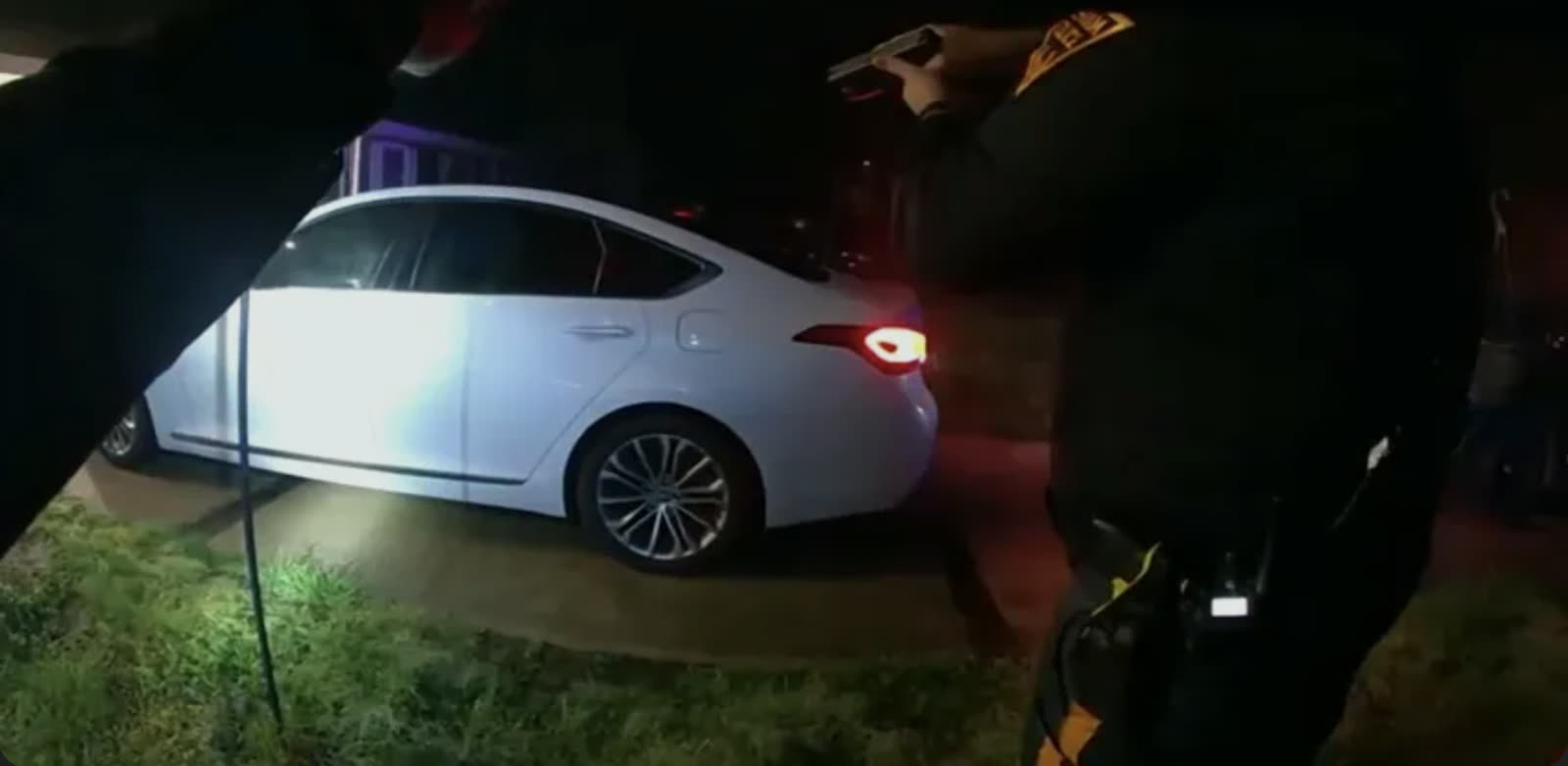
When you are preparing for trial, you rarely have time to manually review hours of body camera footage. With BodyCamAI, we can help you quickly identify the key moments of evidence and process hours of video footage in minutes, all linked to the source.
BodyCamAI lets you and your staff review hours of body camera footage in minutes. Built specifically for criminal defense practice, our computer vision model examines video the way an experienced defense team does: watching the entire recording and following both what is said and what is done.
Most review tools index only the spoken portions of a video. BodyCamAI captures everything, because the evidence that decides a suppression motion often appears when no one is speaking. Every finding is a clickable, time-stamped entry that takes you straight to the source footage, so you can verify it with your own eyes.
Create an account to upload BWC from your desktop, thumb drive, Google Drive, Dropbox, or Box. Secure and confidential. Your video files never leave your local device.
Visual events, speaker-labeled transcript, on-screen text, and defense flags in one pass.
Jump to the exact second, cut lossless clips, and export Word or PDF reports.
Frame-by-frame review of the non-verbal record: objects handled, tools deployed, searches begun, evidence moved off camera. Plus on-screen text pulled from the pixels: plates, warrant headers, MDT screens, burned-in timestamps.
Multi-gigabyte discovery files stay in your browser. Processing extracts downscaled frames and compressed audio locally and sends only those for AI review, with no server-side evidence vault to subpoena, breach, or explain.
Speaker-labeled transcription with clickable timestamps, side by side with the visual track. Review what was said and what was done in one workspace.
Every visual event seeks the source video to the exact second.
Plates, warrants, MDT screens, and camera timestamps read out of the pixels.
Consent, Miranda timing, custody gaps, and scope-of-search questions flagged automatically.
Line up body cams and dash cams on one timeline to catch what each angle hides.
Word and PDF reports that drop straight into your case file.
Three full AI analyses on the house, no card required to start.
If your tool only reads the audio, it never sees most of the case.

*Feature comparison reflects public materials of leading audio-first evidence-review tools as of July 2026; verify current capabilities with any vendor before purchasing.
Try for free, no credit card required.
Upload the video to your caseroom and process it. BodyCamAI samples frames across the full runtime and returns a timestamped index of visual events, on-screen text, and defense-relevant flags in about a minute, so you spend your review time on the moments that matter instead of scrubbing through silence.
BodyCamAI flags suppression-relevant moments it can observe: contexts where consent language is absent before a search begins, custody gaps where evidence leaves the frame, forced entry, K9 deployments, and third-party recordings worth preserving. Flags are leads for counsel to verify against the footage, not legal conclusions.
Yes, if your browser can play it, we can analyze it: MP4, MOV, WebM, and the MP4 exports produced by common evidence platforms including Axon and Motorola WatchGuard.
Audio-first tools transcribe and summarize what was said. BodyCamAI analyzes the silent footage, meaning what officers did on camera when nobody was talking, and pins every finding to a clickable timestamp. In a typical body cam video, most material events happen without a word spoken.
BodyCamAI publishes flat pricing: your first 3 videos are free with no card required, then $80 per attorney per month, billed monthly, with bundle pricing for firms and public defender offices of five or more licenses.
No. Never. Video files stay in your browser; only sampled frames and compressed audio are transmitted for your analysis, and our model providers are contractually barred from training on customer data.
Video files live in a local cache on your device that survives sign-outs, browser restarts, and reboots; we request persistent storage from your browser so files are not reclaimed automatically. Your account data (cases, findings, transcripts, summaries) is stored server-side and follows you to any device. The cache is per-device, so a new computer needs the source file re-attached, one click if it lives in Dropbox. Treat BodyCamAI as your review workspace and keep originals in your normal evidence storage. We recommend Chrome or Edge; Safari can clear local site data after about a week of inactivity.
Treat them like work product from a very fast paralegal: every finding links to a timestamp so you can verify by eye against the source footage. The tool is a reviewing aid, not a substitute for counsel's own review.
As a criminal defense lawyer, you are busy preparing for court. BodyCamAI helps you quickly identify key evidence with time-stamps, so you can accelerate your case preparation.
Try for Free